This is an AI-generated translation of the original Polish article and may contain minor errors.
Self-hosting developmental infrastructure gives us tremendous freedom, but also carries responsibility. By leaving a public endpoint unprotected, we don't have to wait long for internet bots to notice us. Our server recently fell victim to just such a quiet "attack".
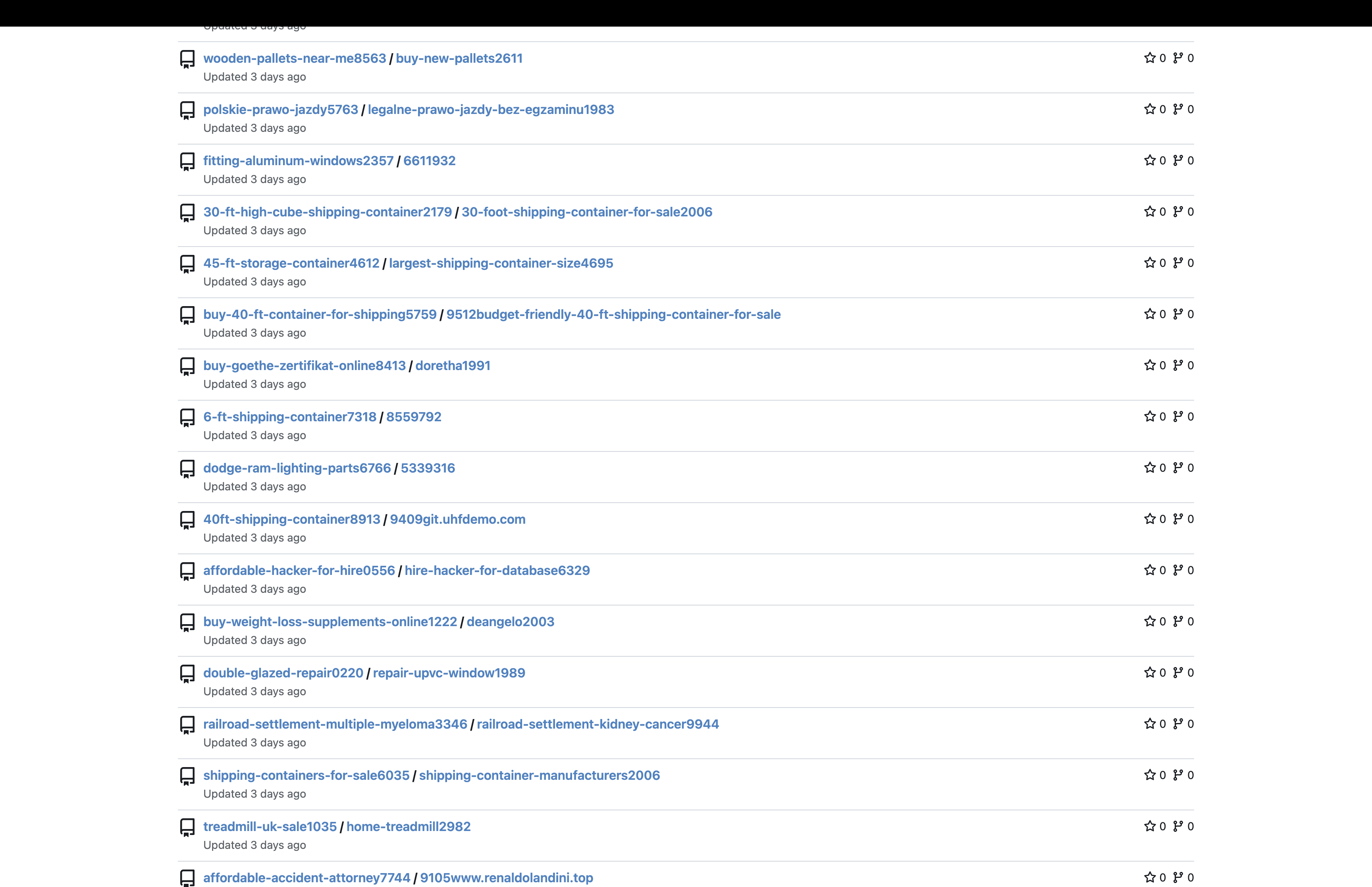
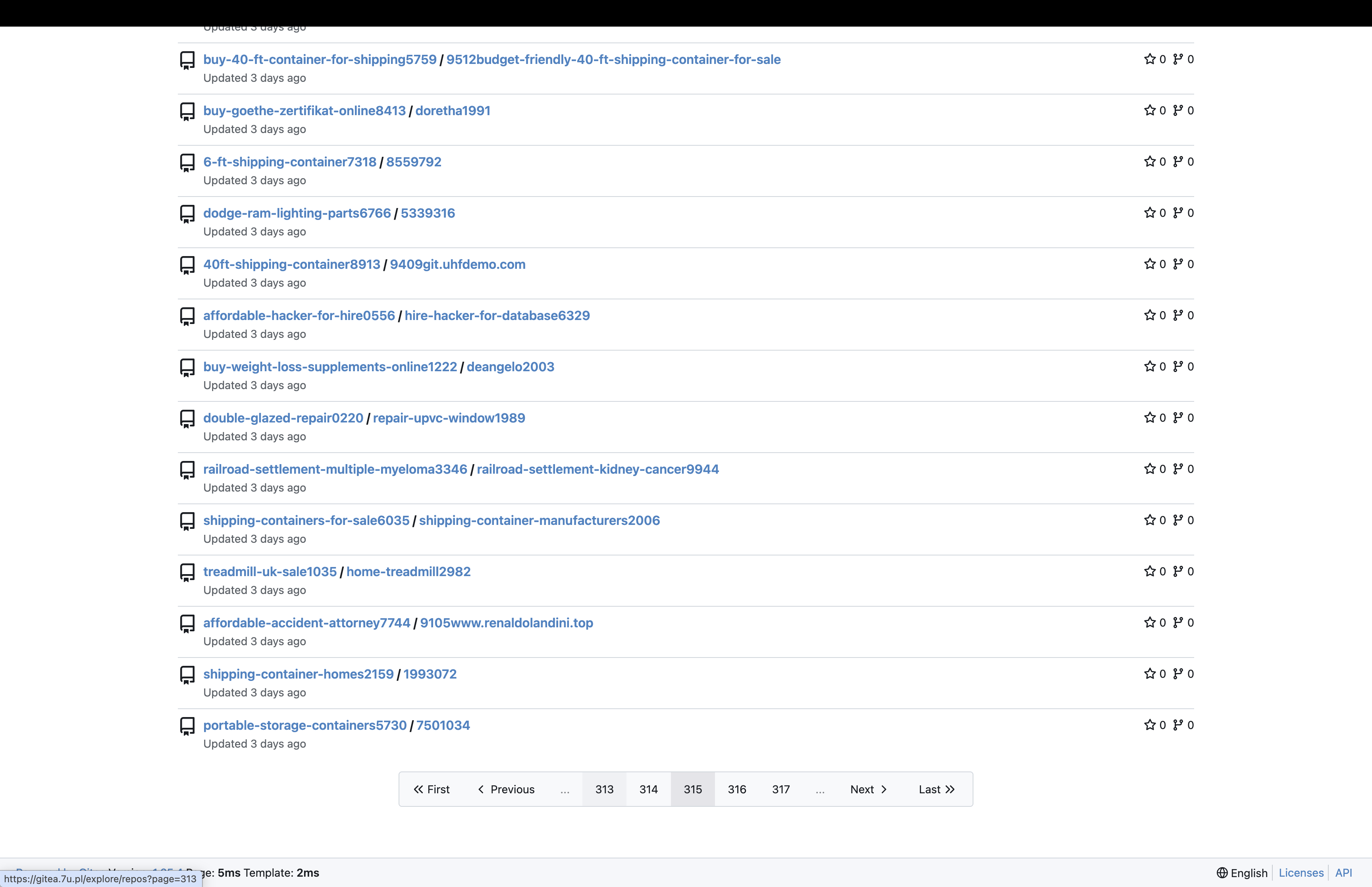
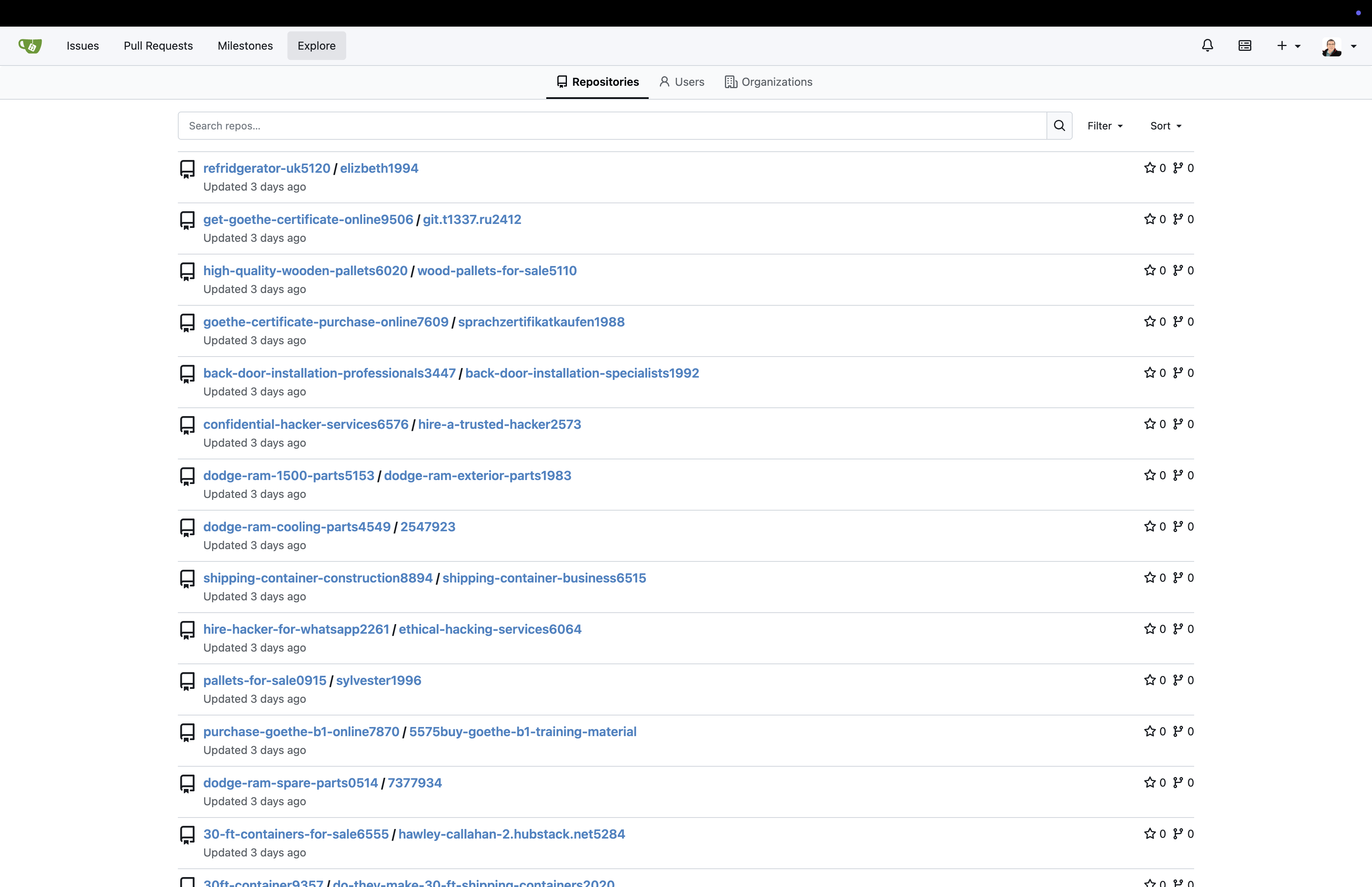
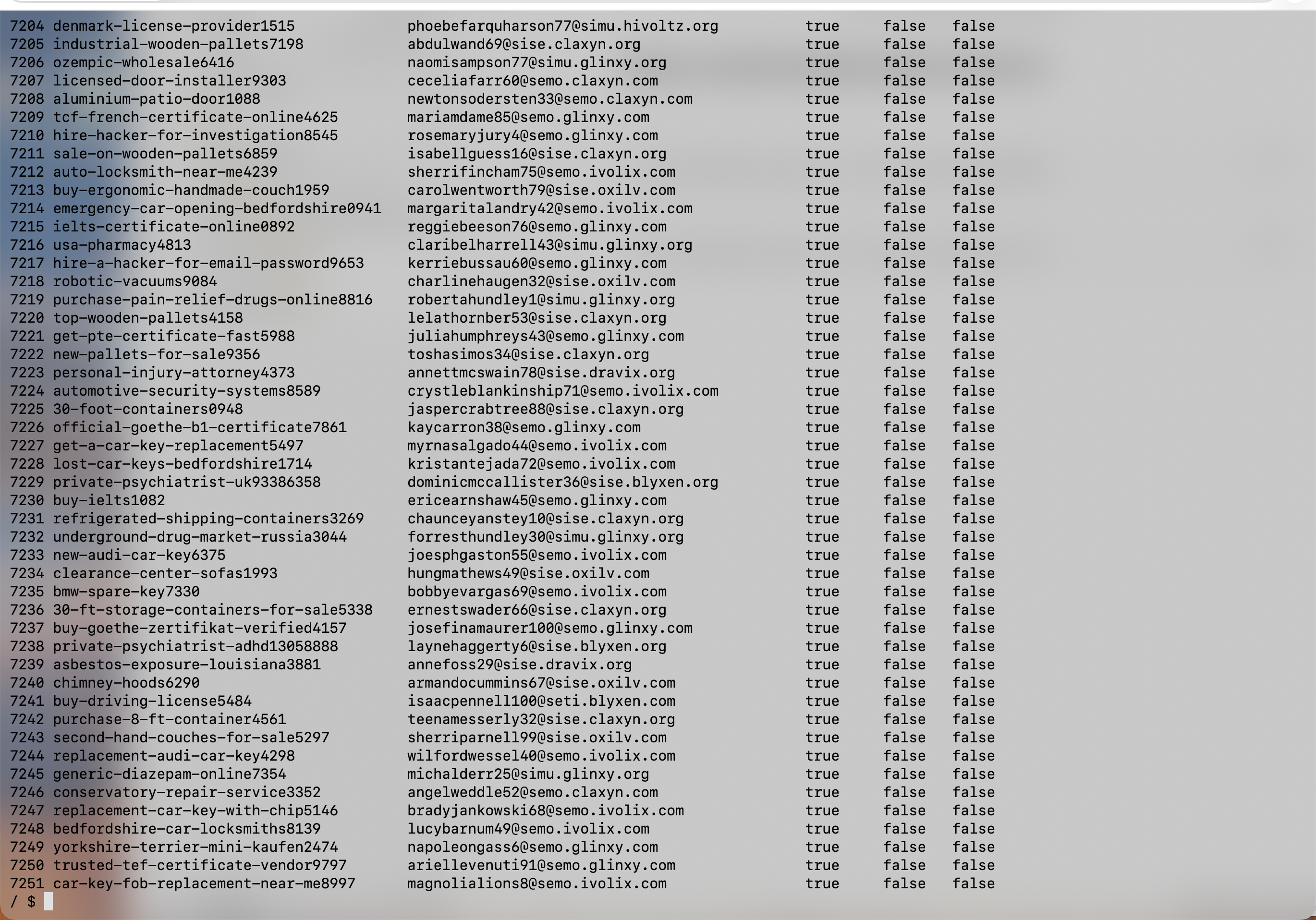
Question: How do I secure Gitea from creating junk accounts? Some bots got in and are throwing garbage, trying to create repositories with names like clearance-center-sofas or top-wooden-pallets.
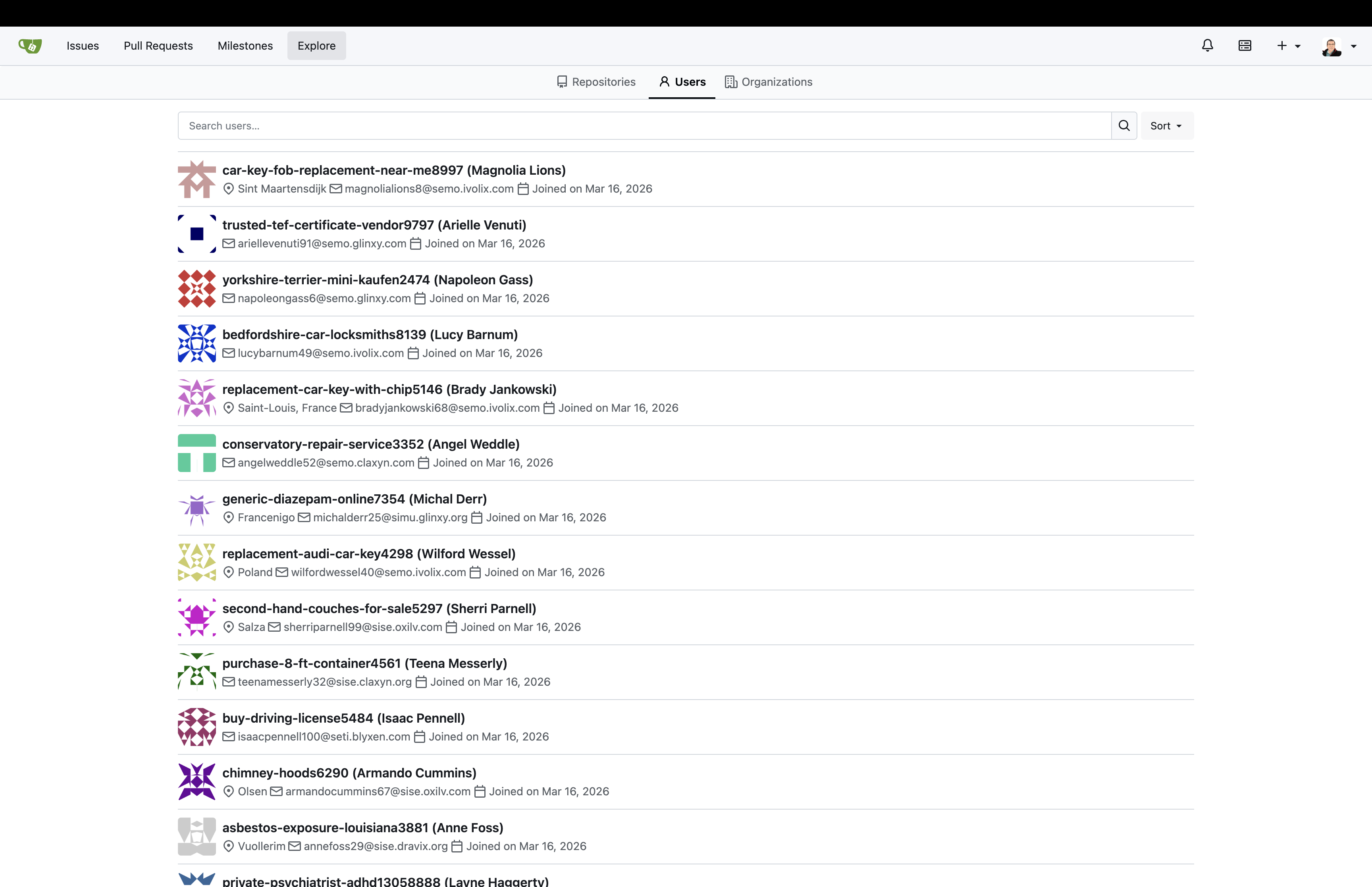
These are the so-called Spam Registration Bots. Scripts continuously scanning the open web for Gitea (or GitHub/GitLab) instances with active, open registration. They register fake e-mail addresses and generate dozens of empty repositories filled with keywords meant for indexing by Google. By doing so, they try to build a free SEO backlink network, exploiting the credibility of your domain.
The Direct Solution: Editing app.ini
Because I couldn't simply click a magic button to disable public registrations directly from the "Site Admin" browser panel (Gitea uses files buried deep within the host server for such configuration changes), I had to overwrite its state manually.
While connected via SSH to my home Linux server (the Docker host), I immediately found the relevant file:
sudo find / -name "app.ini" 2>/dev/nullI found it within the attached Docker volumes (in my case /home/gkucmierz/docker/gitea/gitea/gitea/conf/app.ini). Using the nano editor, I had to add critical blockades to the [service] section:
[service]
DISABLE_REGISTRATION = true
REQUIRE_SIGNIN_VIEW = trueDISABLE_REGISTRATION– Locks the public gate. From now on, creating an account is only possible for administrators through the panel.REQUIRE_SIGNIN_VIEW– An optional defense against overly curious external scrapers. It prevents network indexing of even theExplorepage by forcing a login requirement on every visit.
Applying these seals simply required restarting the container:
docker compose restart giteaBot Extermination (Gitea CLI)
With the certainty that new accounts with sofas and pallets weren't spawning in the background, we could pierce into the server and disinfect the forged users. Instead of manually clicking through the web interface (which is a nightmare when deleting dozens of accounts and their tied repositories at once), we executed it directly on the Gitea processor utilizing its built-in CLI command.
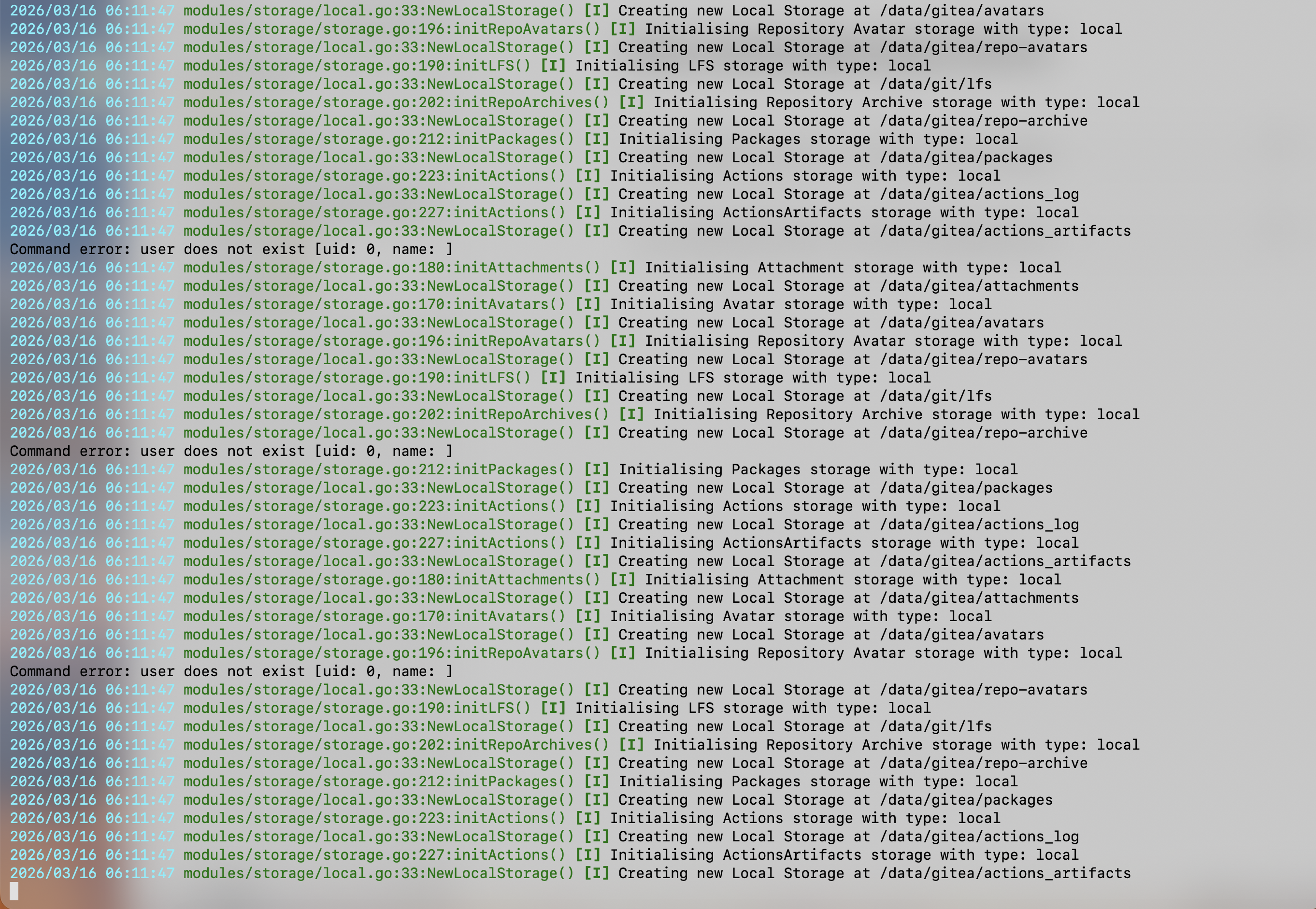
Enabling a shell environment (running in our setup within the gitea docker as the internal git user), I issued a command that wiped out all the garbage, flushing the SQL database, repositories, and linked keys into oblivion:
# Entering the container shell (as the internal 'git' user)
docker exec -it -u git gitea sh

# Verifying what users and bots possess the system (their IDs and bot names)
gitea admin user list

# The final, hard deletion of pests with credentials like "metal-bunk-beds", etc. (Using the PURGE flag wiping all their creations)
sqlite3 /data/gitea/gitea.db "DELETE FROM user WHERE id >= 4; VACUUM;"
# ... until everything was crystal clear
Thanks to this lightning-fast reaction, we defended our domain and repositories from these internet burdocks. Even magnificent tools like our fully managed Git require sliding a few deadbolts on the doors right out of the box to ensure the home space remains truly, exclusively home!
Battlefield Documentation (Screenshots)
Below is the entirety of the documented action: identification, isolation of files, and extermination straight from the Gitea interface and server logs. Click the thumbnail to launch the full-screen gallery: